











Guides
How to Create an Animated Travel Map (Step-by-Step)
A practical workflow from geotagged photos to a shareable animated route replay.
Read moreCore Features
Upload your travel photos, Locusify automatically extracts GPS coordinates, marks every footprint on an interactive map, and replays your complete journey with animation
How It Works
01
Drag and drop your travel photos. Supports JPEG, HEIC, and more.
02
Automatically reads GPS data from photos, all processed locally.
03
Mark every footprint on an interactive map with the full route.
04
Animated playback of your travel route. Export videos to share.
Core Features
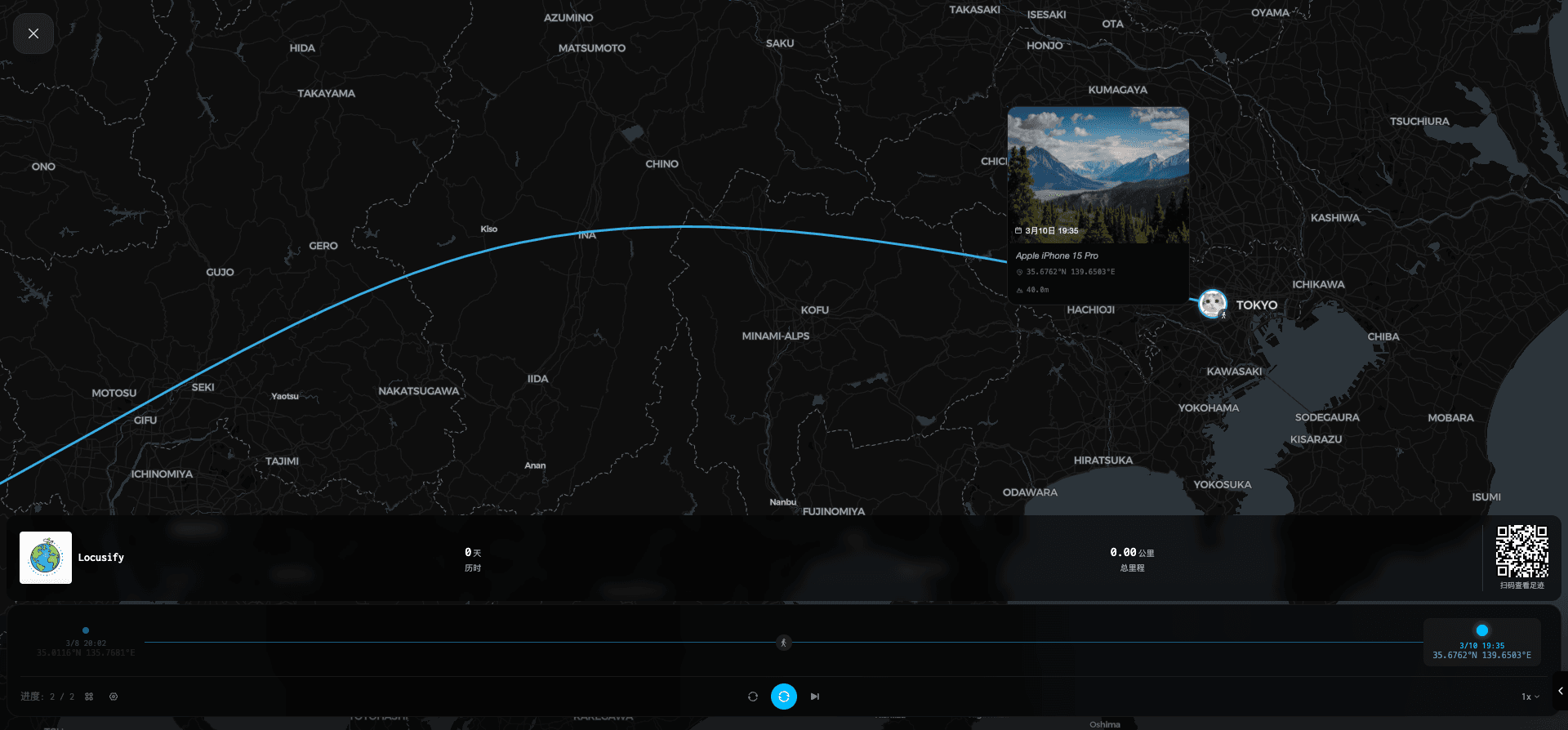
Smart Extraction

One-Click Share
Journey Replay

Privacy First
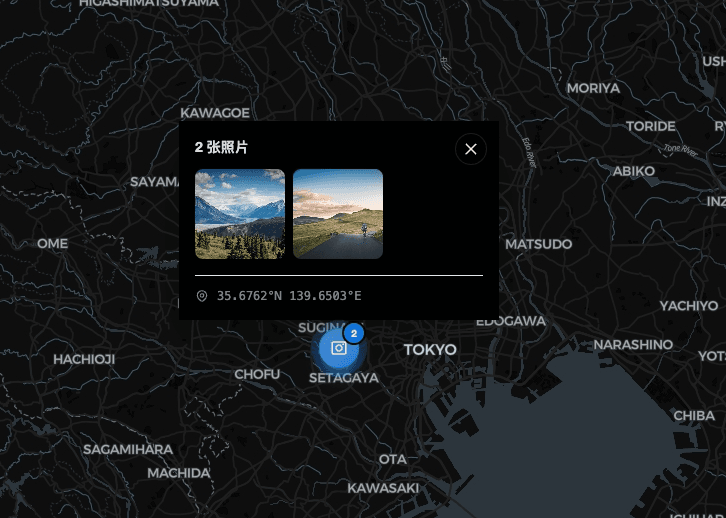
Smart Organization
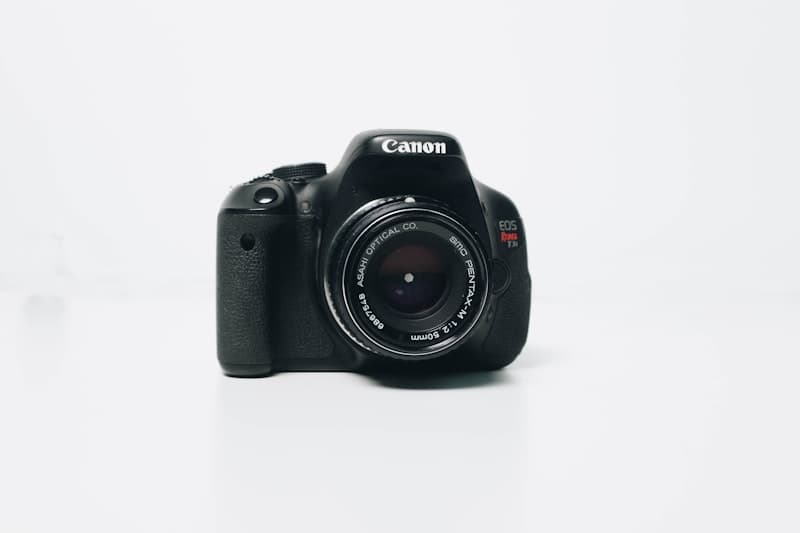
Wide Compatibility





Your photos never leave your device.All GPS extraction,map rendering,route calculation, andvideo exporthappen entirely on-device.No server uploads,no data collection.Close the app,data disappears.This is ourcommitment to privacy.

Adventurers who want to visually record every journey
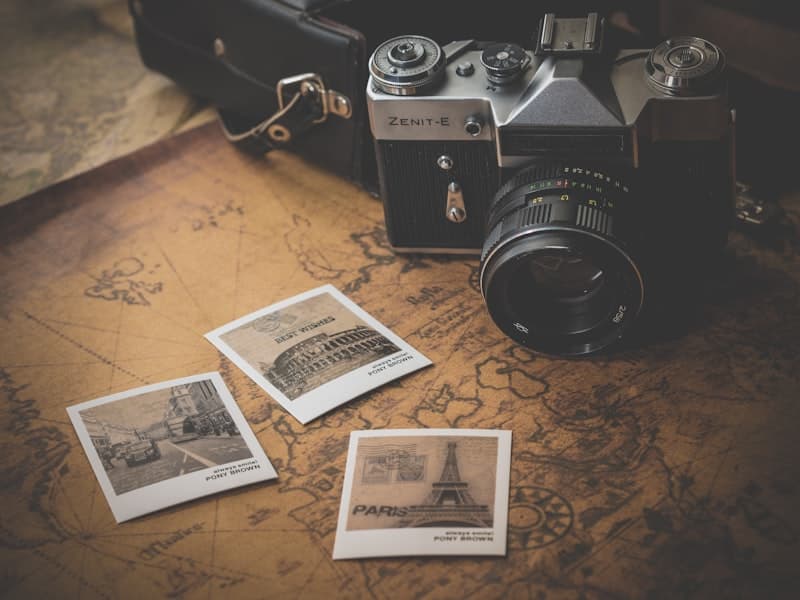
Photography enthusiasts with hundreds of photos wanting the full picture
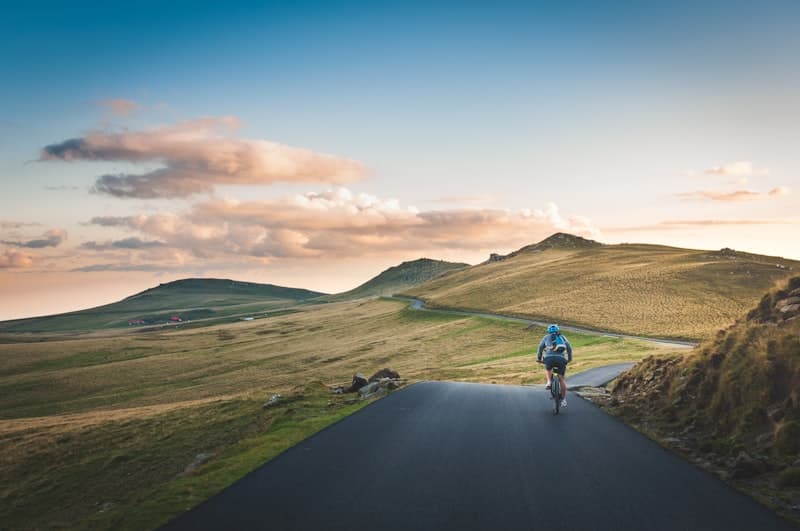
Content creators who want to quickly generate stunning route replay videos

Globe-trotters who want to relive 'where exactly did I go'

Record family travel routes and create precious memory videos
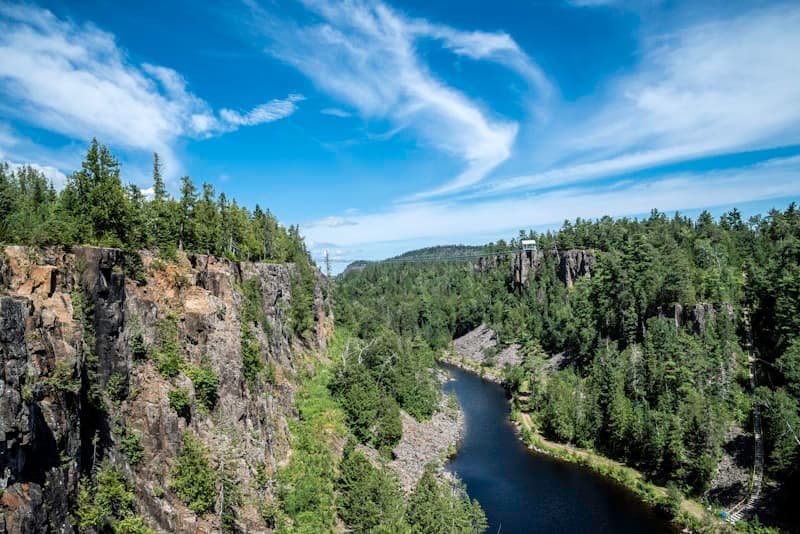
Hiking, cycling, road trips — record every adventure route with photos
Pricing
Start free, upgrade anytime
Start with the core map and replay tools for your travel photos.
Get Started FreeUnlock premium templates and full customization for richer videos.
Use Redeem CodeGet everything in Pro plus priority support and early feature access.
Use Redeem CodeFormats
5+
Data Uploads
0
Starting Cost
Free
Platforms
Web / App
Locusify believes every journey deserves to be remembered. We use the simplest way — your photos — to retrace every step you've taken. Core GPS map features are completely free, with no privacy concerns. Open the app, upload photos, and your travel map is right there.

Blog
A connected path from your first map and animated route to video export and missing-GPS recovery.
Guides
A practical workflow from geotagged photos to a shareable animated route replay.
Read moreGuides
Turn geotagged travel photos into a clean route video with the right aspect ratio, pacing, and privacy checks.
Read moreGuides
A practical recovery workflow when photos lose GPS data: find originals, add manual stops, and keep route accuracy honest.
Read moreGuides
A simple workflow for grouping geotagged photos by place, cleaning duplicates, and turning an album into a travel route map.
Read moreFAQ
Locusify reads GPS coordinates embedded in your photo EXIF data, then plots each photo on an interactive map. It automatically connects the dots to visualize your travel route — all processed locally on your device.
Yes! Free includes basic templates, unlimited photo uploads, and map trajectory replay. Pro unlocks all premium templates and full customization, while Max adds priority support and early access to new features.
No. All processing happens 100% on your device. Your photos never leave your phone or computer. We don't collect any data — close the app and everything disappears.
Locusify supports JPEG, PNG, HEIC, WebP, and AVIF. Any photo with embedded GPS data will work, and every plan includes unlimited photo uploads.
Locusify arranges your photos in chronological order, traces the route on the map, and plays an animated journey replay. You can control playback speed and export the animation as a shareable video.
Yes! You can record your route replay animation, preview it, and download the video. Recording relies on browser screen and region capture capabilities, so the latest version of Chrome is recommended.